MTPfighter-style flight sim throttle: 27 switches, aluminium grip, vibration feedback
The left hand of your HOTAS
- 27programmable switches
- 15bitmagnetic encoder
- 2.1kgunit weight
- 277×194×216mmdimensions
1-month GEEKSHOP warranty · Pre-order — no payment now
27 switches, aluminium in your palm, an afterburner you can feel
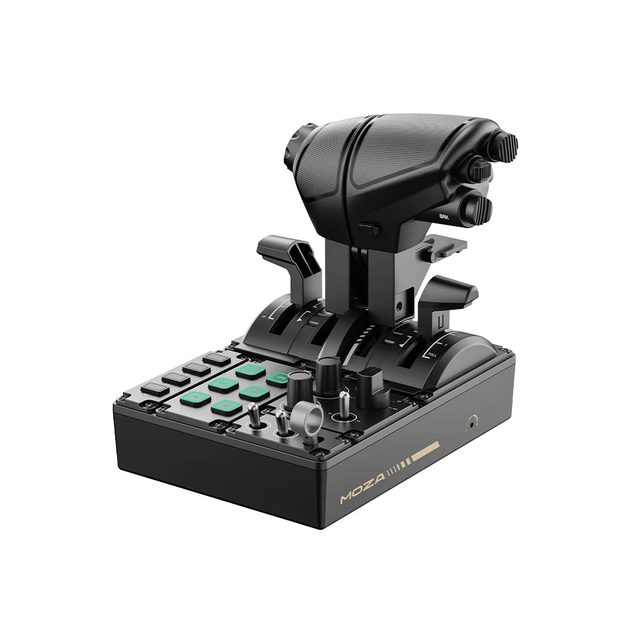
The MOZA MTP Throttle is a desktop throttle for pilots who fly DCS World, Microsoft Flight Simulator, X-Plane and IL-2 and want a full-size engine control unit in the left hand instead of a plastic lever. The layout follows carrier-aircraft logic: everything needed in combat and on approach sits under the fingers, with no menu diving. The grip is CNC-machined from high-strength aluminium alloy, the housing is composite, and at 2.1 kg the unit stays put on a desk. Precision comes from a 15-bit magnetic encoder and a Hall-effect mini-stick: no drift, and the mini-stick can be assigned as an axis or as buttons. The adjustable detent system lets you set an afterburner gate, an idle lockout, or a centre detent for space sims. Built-in vibration motors act on in-game telemetry — stall warnings, overspeed, combat impacts — and are tuned in MOZA Cockpit together with the lighting; no plug-ins required. It connects to a PC; the desk clamp and mounting plate are separate, and the MTLP panel docks to the MTP to form a complete left-hand cockpit console.
- 01
A carrier-fighter layout
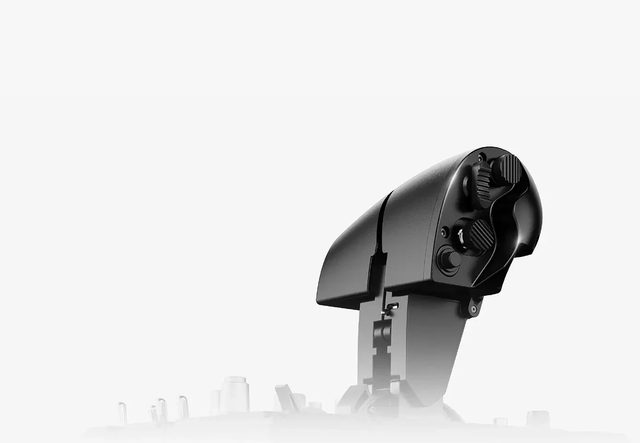
The MTP follows the logic of real carrier throttles: a large full-palm grip, a bank of switches across the top face and separate toggles on the body. Everything needed on a catapult launch or a glideslope approach is reachable without lifting your hand off the lever. The layout is designed around a two-handed HOTAS setup, so the right hand stays on the stick.
- 02
Aluminium where stiffness matters
The grip is CNC-machined from high-strength aluminium alloy, so it does not flex or creak under load. The housing is composite; the unit weighs 2.1 kg and measures 277 × 194 × 216 mm. That mass keeps the panel in place during sharp inputs, and for a rigid fix there is a clamp, a mounting plate or direct hard-mount to a rig profile.
- 03
Detents you set yourself
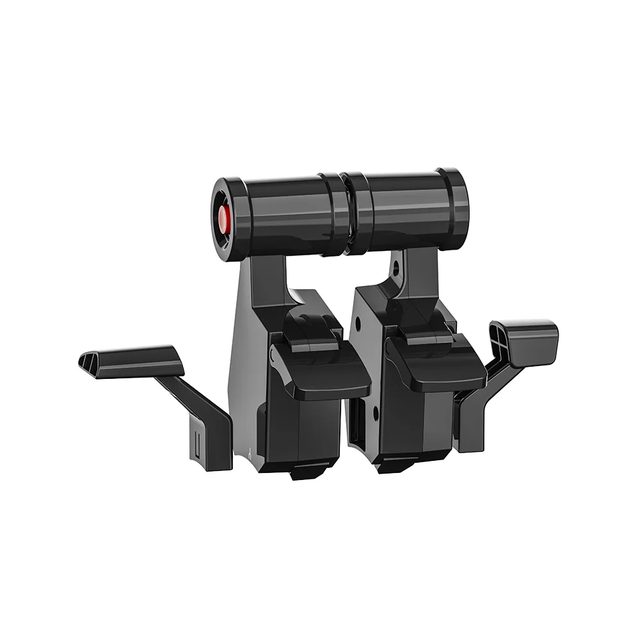
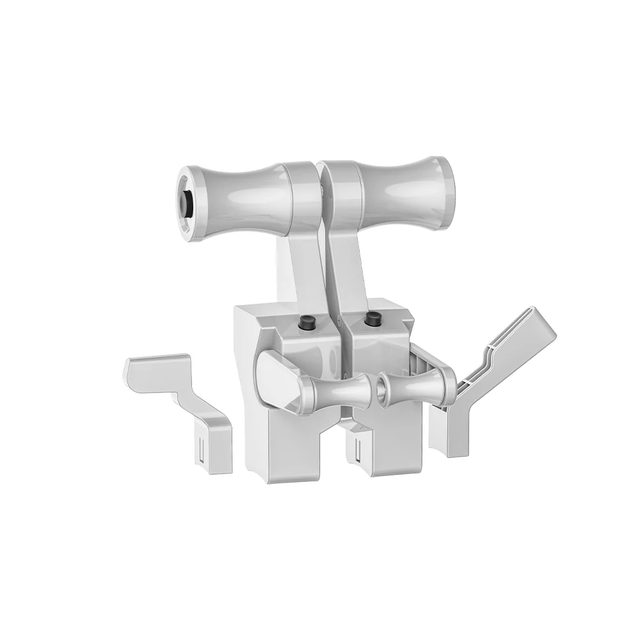
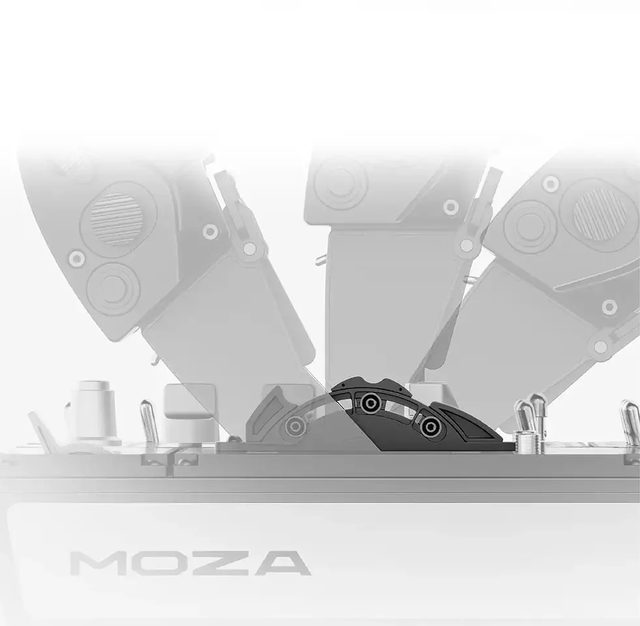
The detent system is adjusted mechanically: you can set an afterburner gate, an idle lockout, or a symmetric centre detent for space sims that need a thrust neutral. The gate is felt through the palm, so the setting is found by touch rather than read off a thrust indicator. The mechanical logic is backed up by software settings in MOZA Cockpit.
- 04
Vibration as an instrument
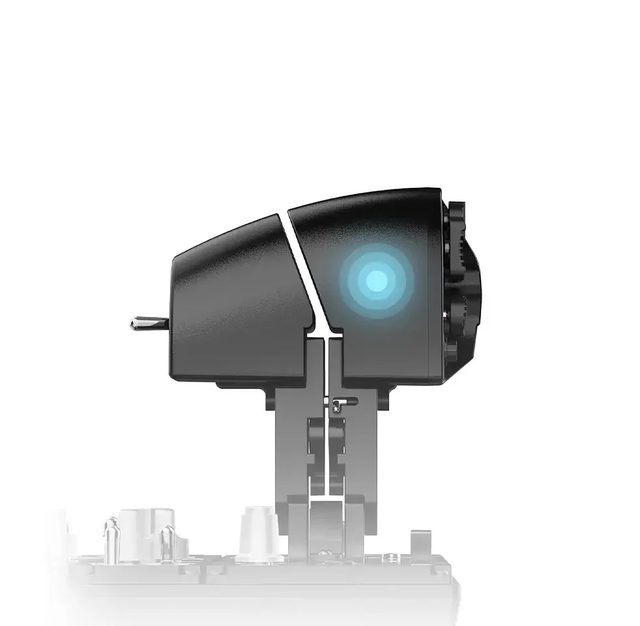
Built-in motors read sim telemetry and turn it into tactile cues: stall warnings, overspeed, G-loads, combat impacts. Intensity and event mapping are set in MOZA Cockpit, which also drives the lighting logic. No plug-ins or third-party utilities are needed — the device works natively.
- 05
Build the left console in steps
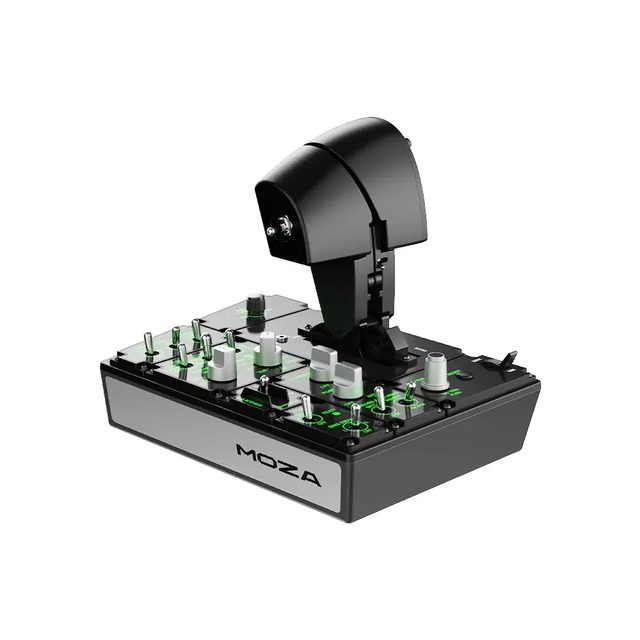
The MTP is built to grow with your rig: the MOZA MTLP panel docks onto it and adds landing gear, flaps and brake controls, turning one throttle into a complete left-hand console. The rest of the MOZA Flight ecosystem — force feedback bases, grips, rudder pedals and instrument panels — is configured in the same MOZA Cockpit.
Compatibility
PC only. Works in Microsoft Flight Simulator 2020 and 2024, DCS World, X-Plane 11 and 12, IL-2 and other sims as a standalone USB device, with no extra plug-ins. Profiles, detents, vibration and lighting are configured in MOZA Cockpit. It docks with the MOZA MTLP panel and mounts to a desk via the clamp or mounting plate (sold separately) or directly to an aluminium-profile rig.
In the box
- MOZA MTP Throttle × 1
- Data cable
- Toolkit with wrench
- User manual
- Warranty card
- 27 programmable switches under your fingers
- Aluminium alloy grip, 2.1 kg of desk presence
- Adjustable detents for afterburner and idle
- Telemetry vibration feedback, no plug-ins
Specifications
- Device type
- Flight sim throttle panel
- Dimensions
- 277 × 194 × 216 mm
- Weight
- 2.1 kg
- Housing material
- composite
- Throttle grip material
- aluminium alloy
- Physical switches
- 27
- Encoder
- magnetic, 15-bit
- Mini-stick
- Hall-effect, assignable as axis or buttons
- Detent system
- fully adjustable (afterburner, idle lockout, centre detent)
- Vibration telemetry
- supported, no plug-ins required
- Lighting telemetry
- supported, no plug-ins required
- Platform
- PC
- Software
- MOZA Cockpit
- Desktop clamp
- optional, not included
- Desktop mounting plate
- optional, not included
- Expansion
- docks with the MOZA MTLP panel
- Part number
- AS008
- EAN
- 6973137270742
Specs as published by MOZA
Questions
Which sims does the MTP work with?
Microsoft Flight Simulator 2020 and 2024, DCS World, X-Plane 11 and 12, IL-2 and other major PC flight sims. The device is detected automatically and needs no extra plug-ins; axes, buttons, vibration and lighting are fine-tuned in MOZA Cockpit.
Do I need a MOZA base to use the MTP?
No. The MTP runs standalone as its own USB device on a PC and does not need a force feedback base. An AB6 or AB9 base is only required if you want to add a force feedback stick — in that case the MTP stays the left hand of the HOTAS setup.
How do I mount the MTP on a desk?
At 2.1 kg the panel usually stays put unaided. For a rigid fix MOZA offers a desk clamp and a mounting plate, both sold separately; direct hard-mounting to an aluminium-profile rig through the built-in holes is also supported.
When will my order arrive?
This item is sold on pre-order. Once a GEEKSHOP manager confirms the order, delivery takes roughly one month — the manager will give the exact timing at confirmation. Pre-orders open on 18 November 2026.
The YouTube video loads only after you click.
No customer reviews yet — and we do not make them up.
MTP
We do not take payment now. A GEEKSHOP manager will contact you to confirm availability, the delivery date and payment.
1-month GEEKSHOP warranty · Delivery across Uzbekistan — quoted by the manager